How it works
From upload to outfit in seconds.
Upload your photo
One full-body photo. Use it for every try-on from here on out.
Add the garment
Upload an image of the clothing you want to try on.
See it on you
Get a realistic result in seconds. Save to boards, share, or shop.
Examples
Any garment. On you, instantly.
Upload a photo of the clothing you love. See how it looks on you before you check out.
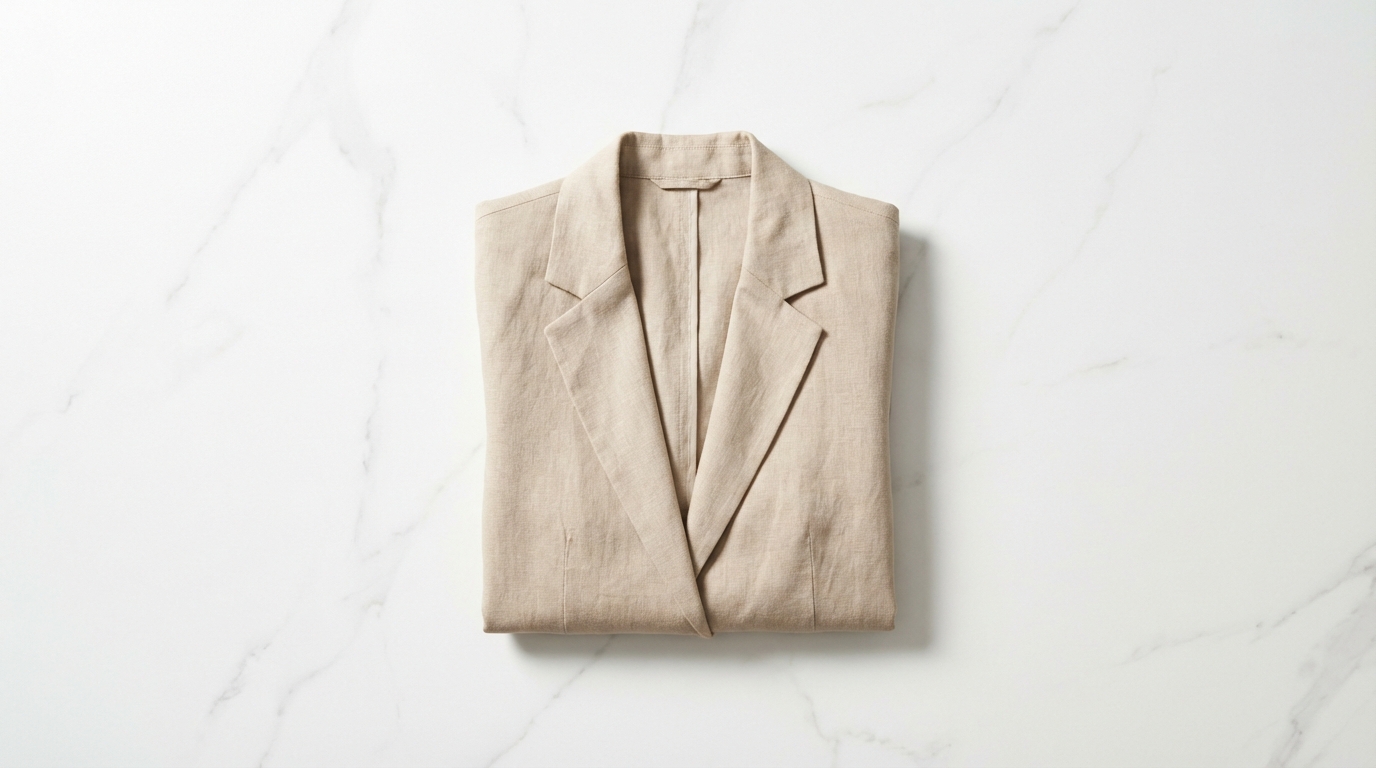
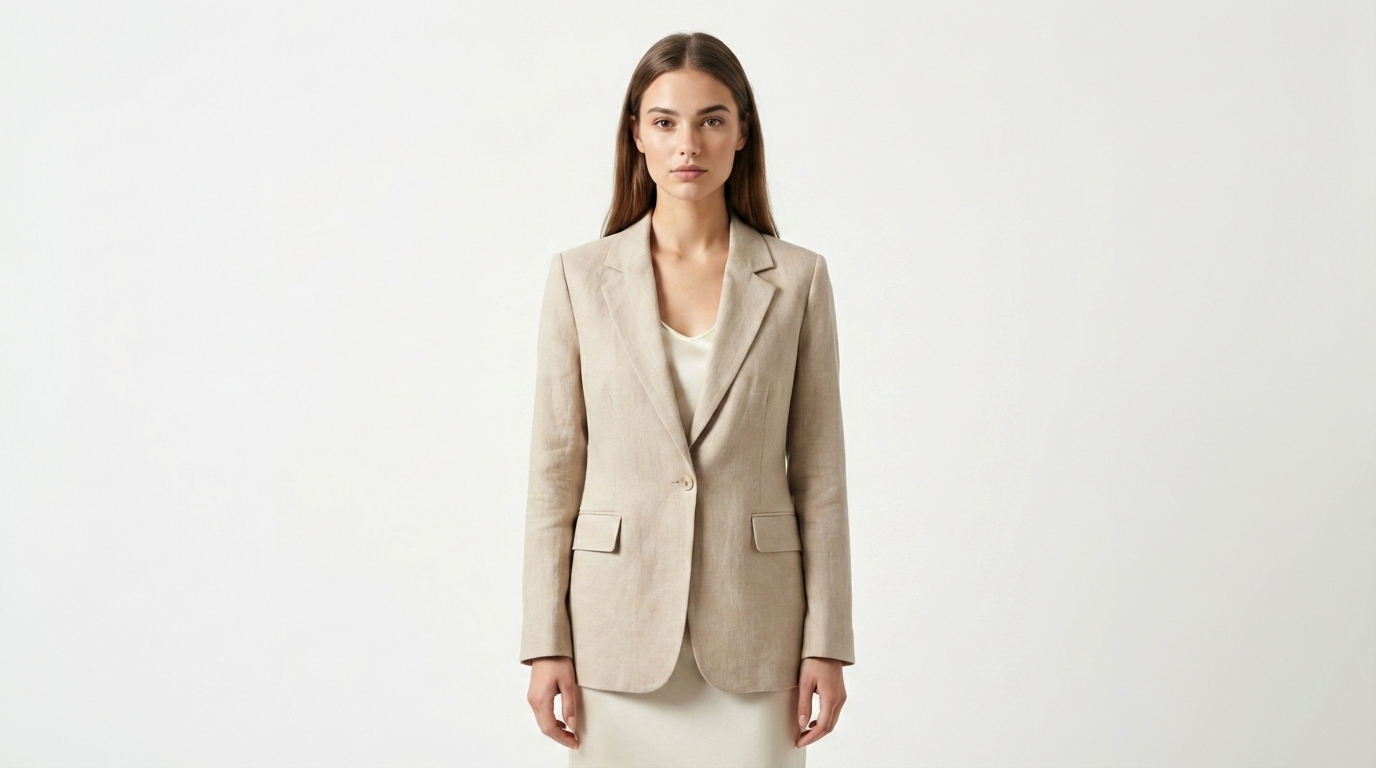
Any garment
Upload an image of any piece of clothing you want to try on.
Unlimited retries
Rerun with different angles or photos until it looks right.
Save looks
Organize outfits into boards. Share them or shop later.
Pricing
Simple plans. Cancel anytime.
Start small. Upgrade when you're trying on more than you're buying.
FAQ
Good questions.
What kind of photo should I upload?
One clear, full-body photo against a plain background works best. Natural light, arms slightly away from the body, facing the camera. You only upload it once and can swap it anytime.
How do I add a garment?
Upload an image of the clothing you want to try on. Save a screenshot from a retailer, snap a photo of something you own, or use any image where the garment is clearly visible.
Does it work for dresses, tops, and pants?
Yes. Tops, bottoms, dresses, outerwear — the model handles full garments. Accessories and multi-layer outfits work best on our higher quality tiers.
How accurate is it?
Good enough that most people stop ordering items they end up returning. Three quality tiers let you trade speed for realism: Quick for fast previews, HD for most decisions, Lifelike when you want catalog-grade output.
Can I cancel anytime?
Yes. Cancel from your account at any time. Unused credits stay available through the end of your billing period.